Mechup is an architectural modeling tool for townhouses & villas: familiar push/pull + inference, PBR materials, and a built-in path tracer — without ever leaving the app.
Windows 10 / 11 · 64-bit
0.2.12
5.2 MB
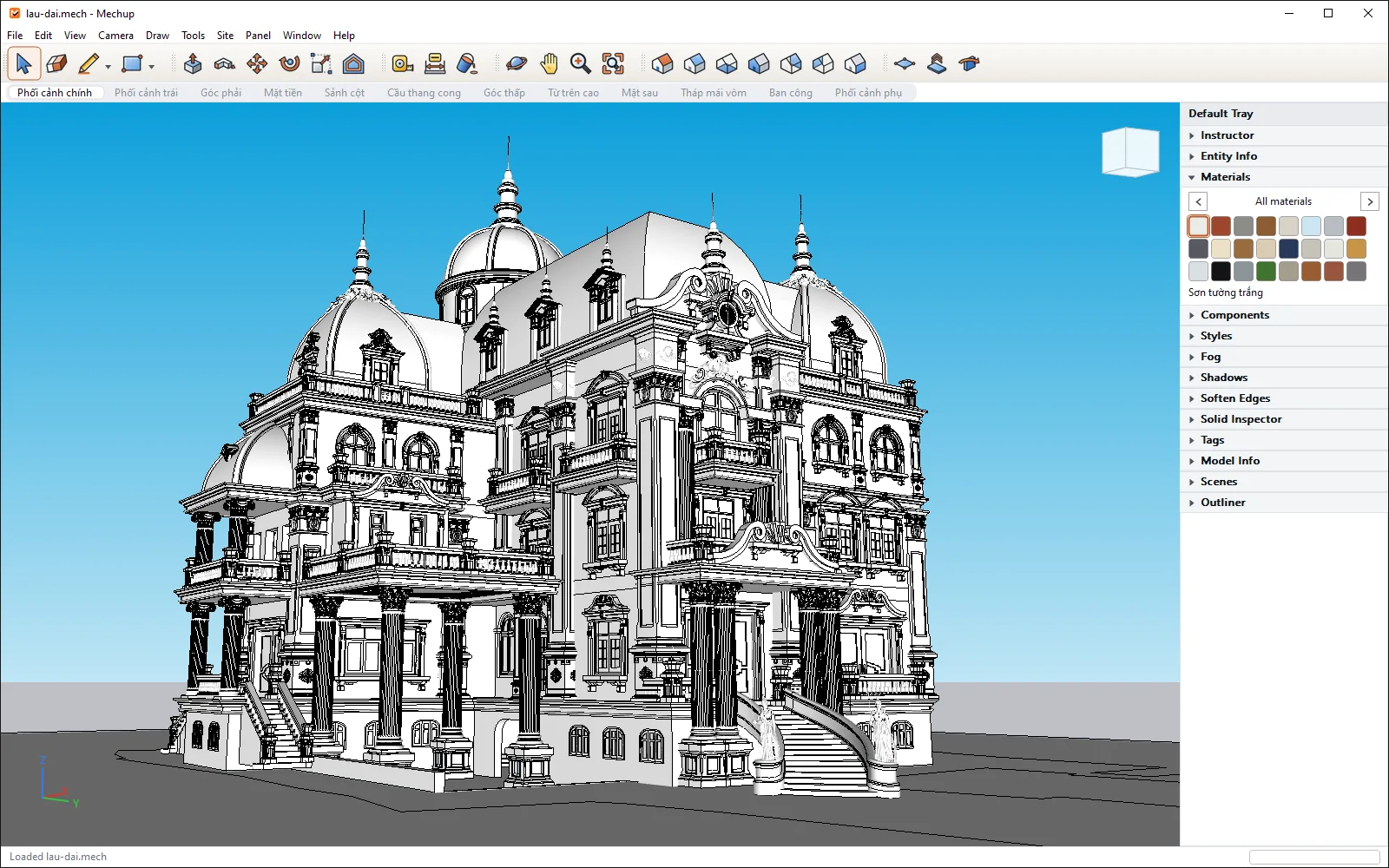
A familiar toolset — the same metaphors as popular modeling apps, so there's nothing to relearn
 Select
 Line
Line Push/Pull
 Move
Move Rotate
 Scale
Scale Paint
Paint Erase
Erase Orbit
Orbit Pan
Pan Zoom
Zoom Tape
TapeEvery image on this page is a real screenshot from Mechup, not recreated in graphics software.
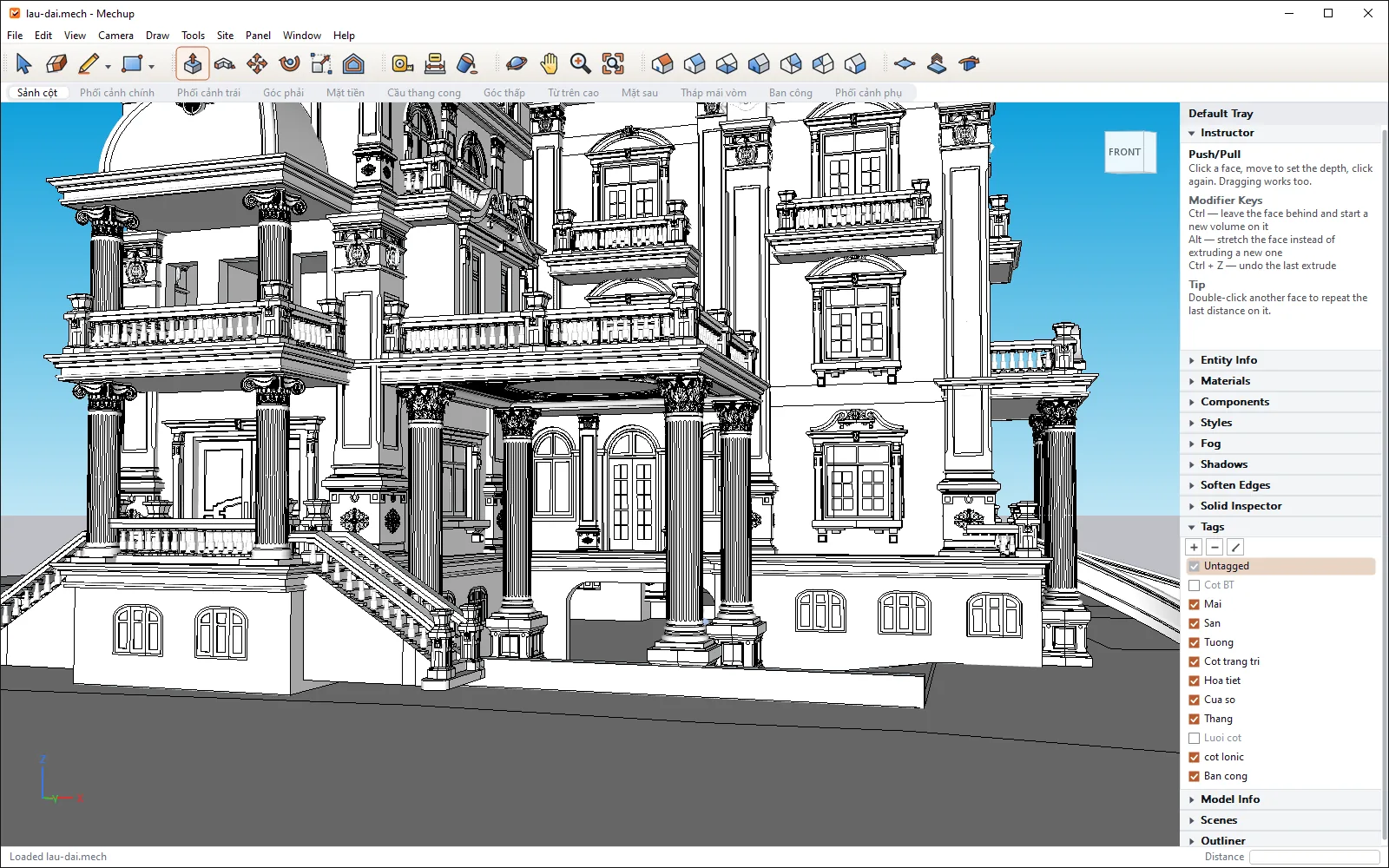
Build 3D massing with familiar moves and automatic snapping to edges, faces and axes.
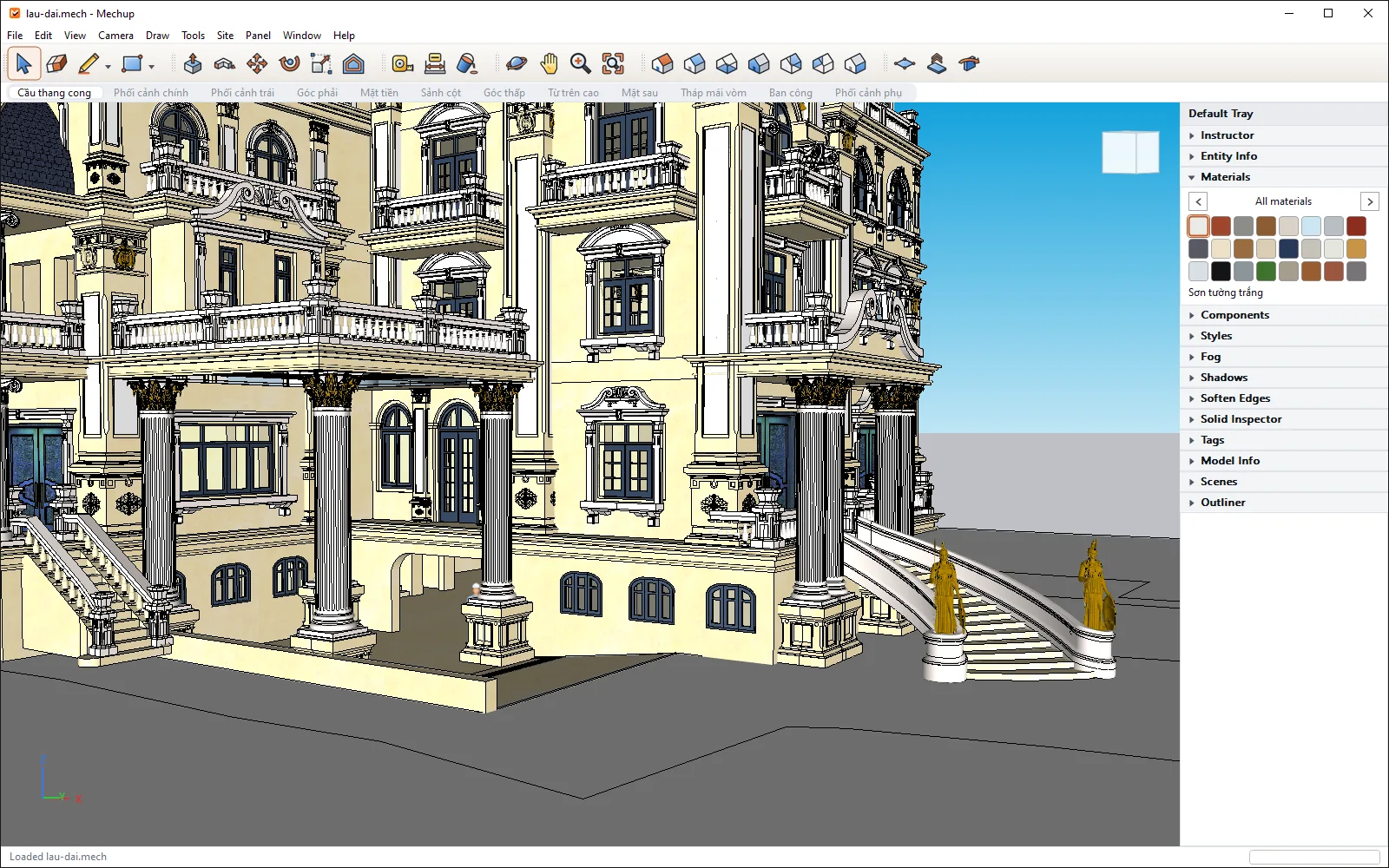
Albedo, roughness, metallic, opacity — previewed live in the viewport.
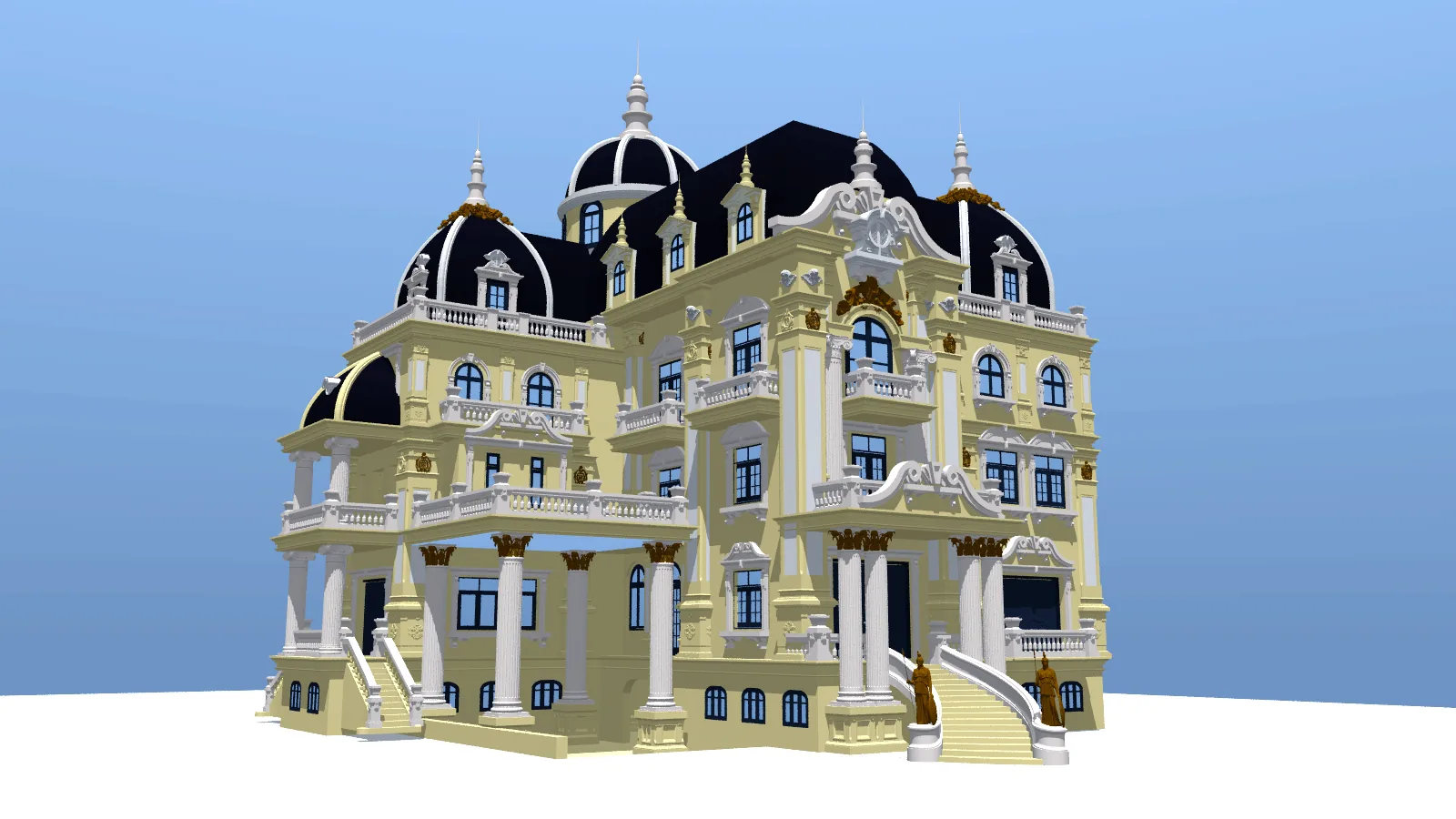
Render high-quality presentation images on multiple cores, right in the app — no plugins needed.
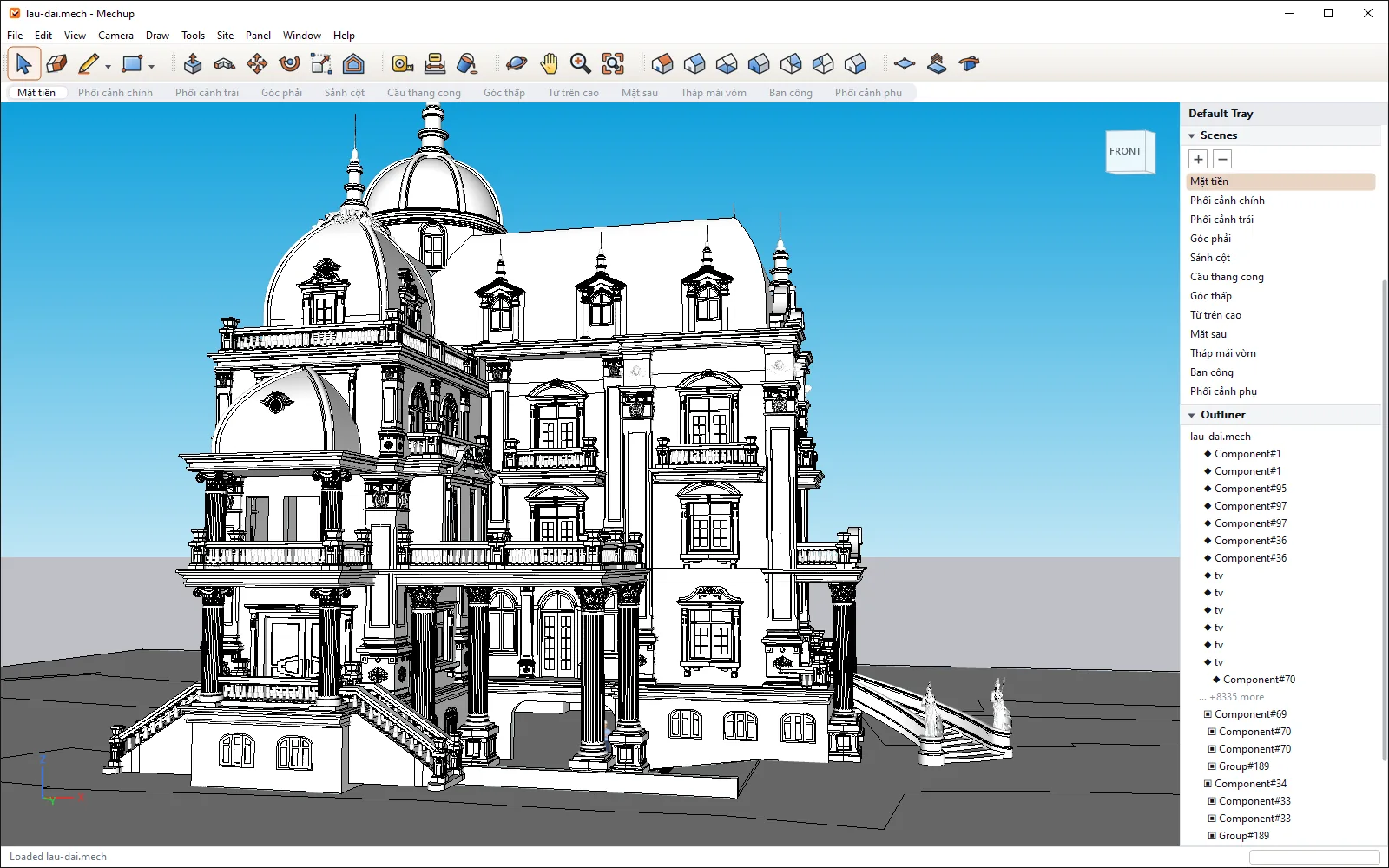
A full scene graph: tags, layers, groups, instances — your data is never locked in.
Sketch the floor plan — snap to X/Y/Z axes
Push/Pull the massing, cut doors and windows
Assign PBR materials by layer
Path-trace presentation images
DXF, glTF, OBJ, STL, PLY — move models in and out without losing topology.
180+ commands — script townhouses and villas, batch-render whole sets of design options.
Build quick massing, test options and produce client presentation images in a single work session.
Import existing DXF drawings and build 3D massing to review with homeowners before construction starts.
Open .mech format, full CLI — well suited to experimenting with automated modeling workflows.
Per-user installer — no admin rights, no account required.
Verify with PowerShell: Get-FileHash .\mechup-0.2.12-win64-setup.exe
This installer is not digitally signed yet. SmartScreen will show “Windows protected your PC”. Click More info → Run anyway to continue. To be sure the file wasn't altered in transit, compare the SHA-256 hash above before running it — without a signature, that's the only way to check.
If you've used push/pull, inference-style modeling tools (SketchUp, for example), Mechup will feel familiar right away — these are common UI/workflow conventions, not copied source code or assets from other software.
No. Just download, install and start using it right away — no sign-up, no account needed.
Only a Windows 64-bit version is available for now; macOS is being completed in parallel, and there's no Linux version yet.
Yes. .mech stores the full scene graph (tags, layers, groups, instances, guides, dimensions) and can be exported to OBJ, glTF, DXF, STL and PLY.
The interface (menus, tools, trays) is currently entirely in English; documentation and support are in Vietnamese — interface localization is being considered for after the Beta. The Beta requires no account or sign-in — once installed, it runs right on your machine.